
The free rule-based proxy app for iPhone
Paste your subscription, pick a server, tap connect. Koihop imports Clash subscriptions with their groups and rules, supports every major protocol and shows exactly where each connection goes.
- No in-app purchases, no account
- Full Clash / mihomo import
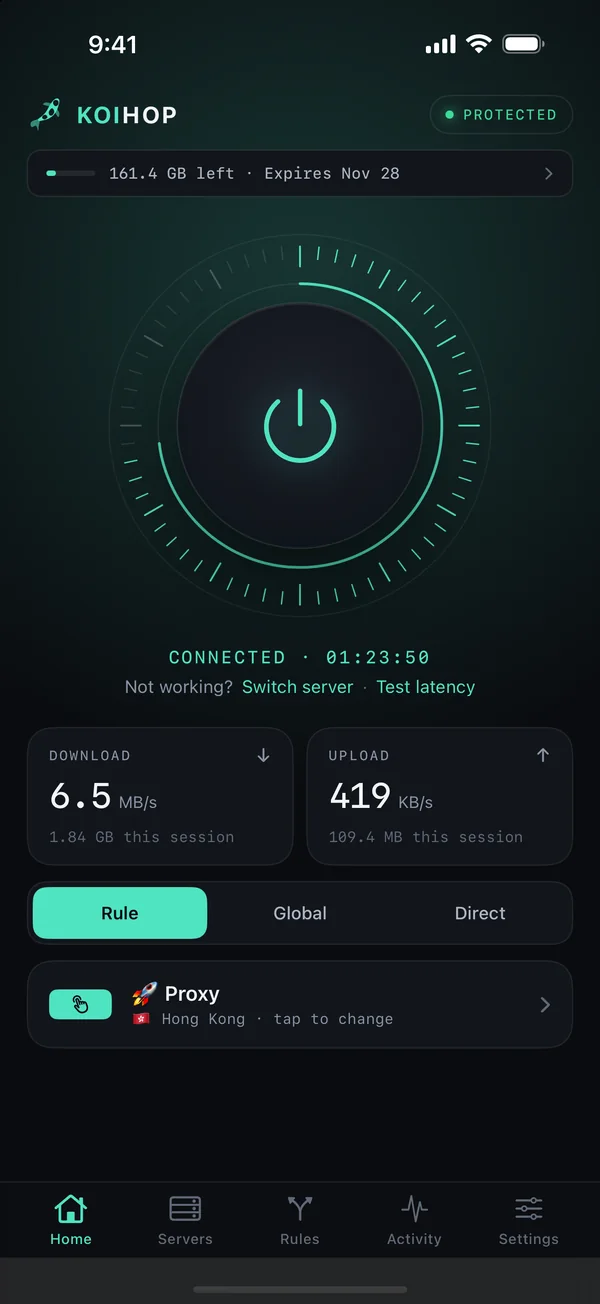
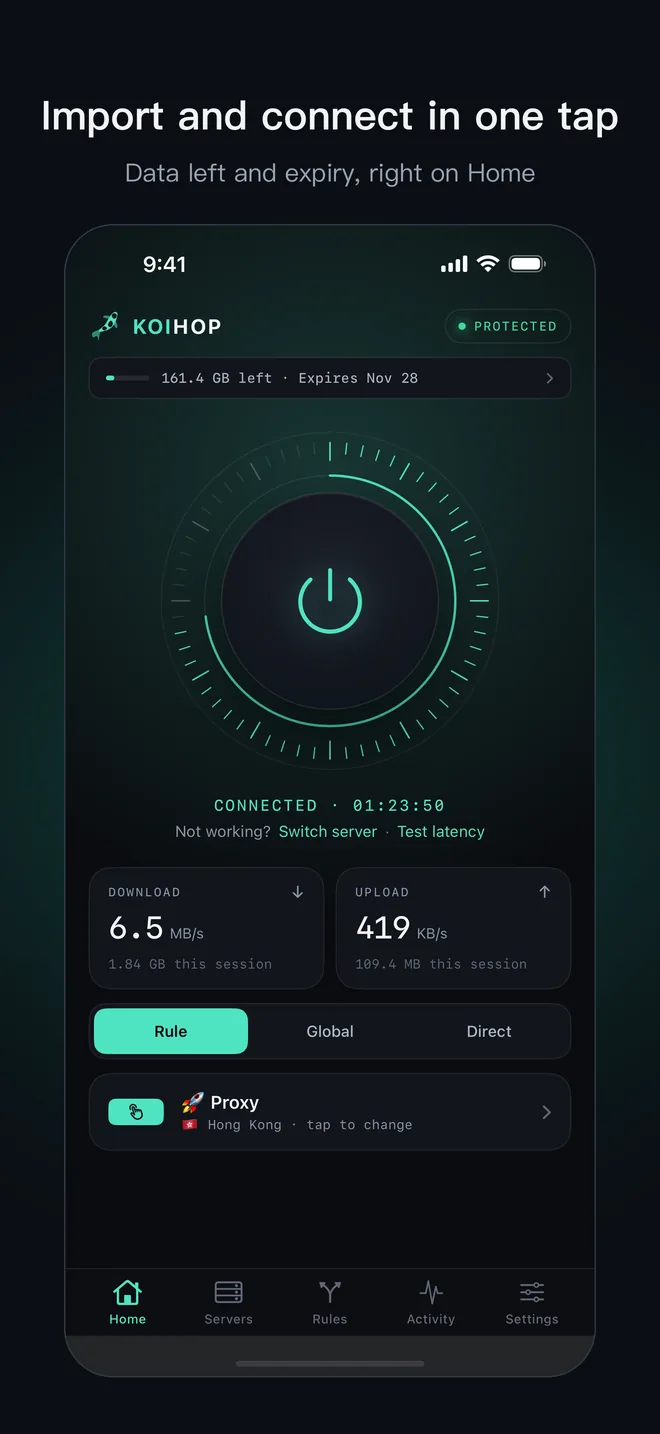
- Data left and expiry at a glance
Pro proxy features, free
Built for people who already have a subscription: switch over without reconfiguring, and keep every advanced feature.
Completely free
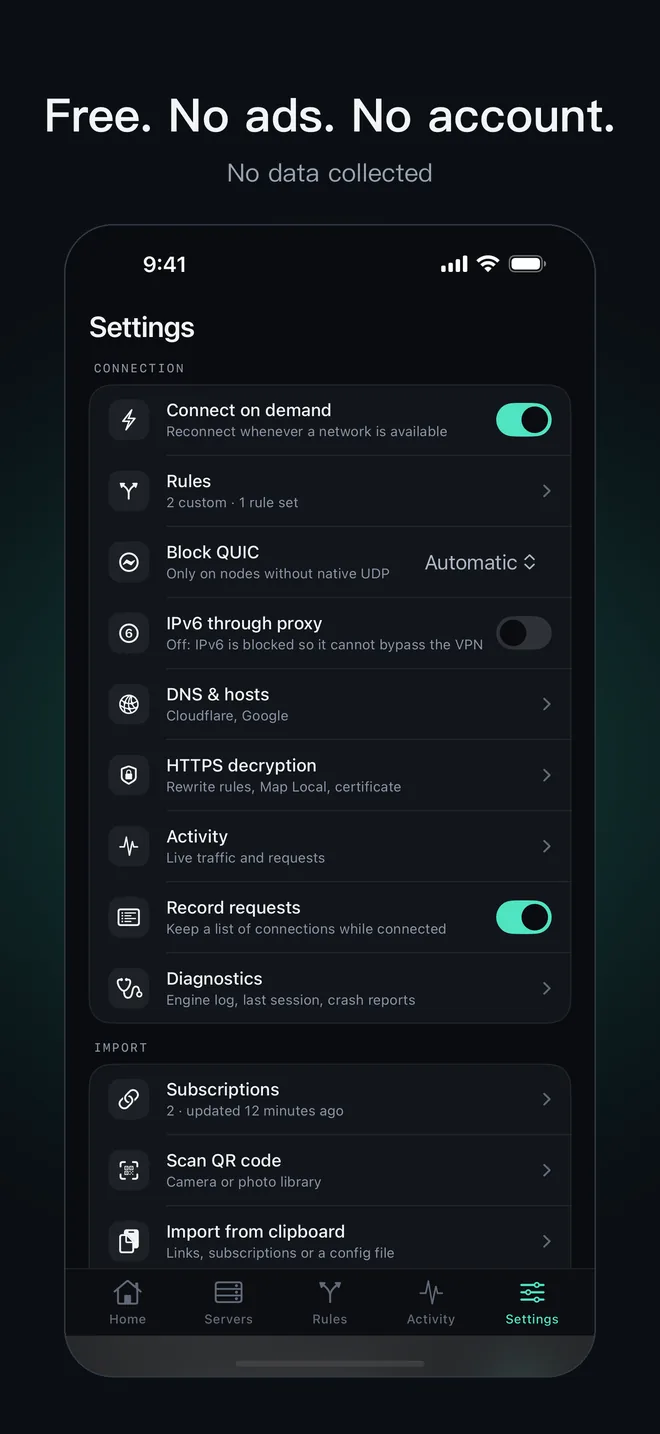
No ads, no in-app purchases, no account. Policy groups, rules, HTTPS decryption, modules and scripts included.
Import and go
Clash, Base64 and Surge-style subscriptions; share links and QR codes; Surge-style configs, modules and Sub-Store.
Data and expiry
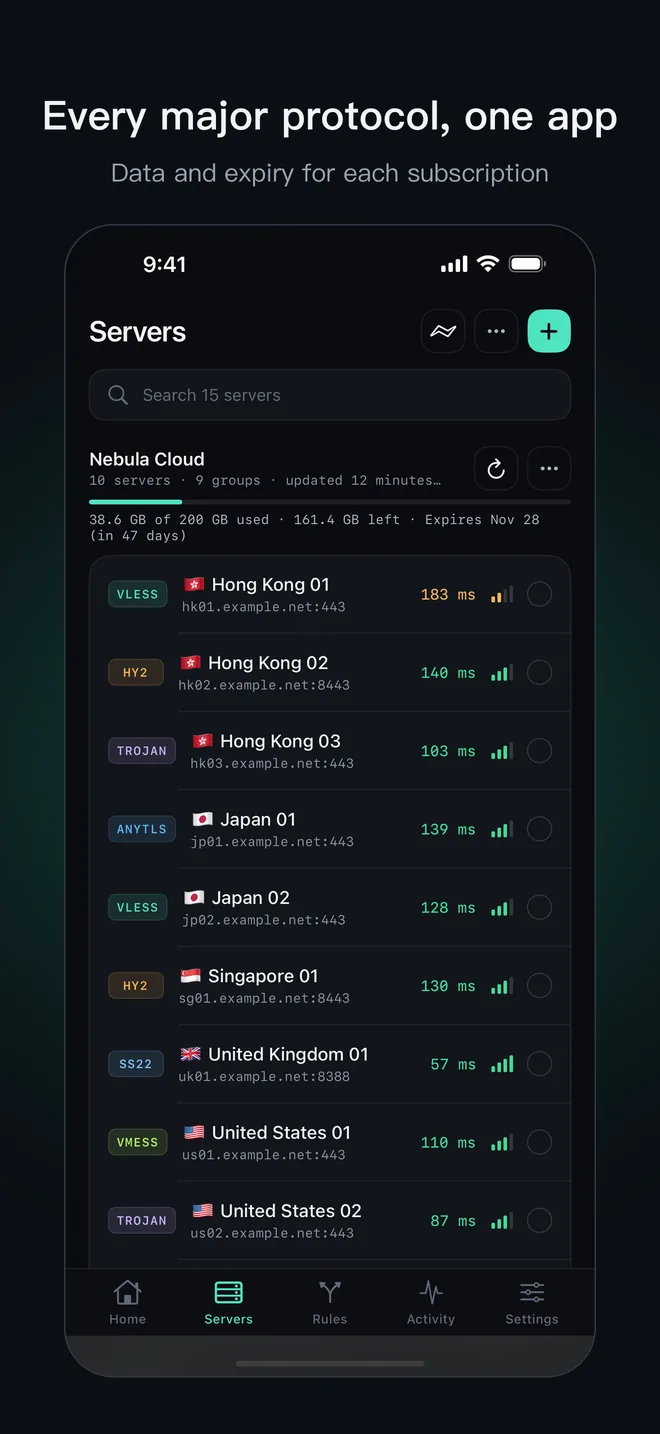
Data used, data left and expiry for every subscription, on Home and in Servers, with a warning before you run out.
Light and steady
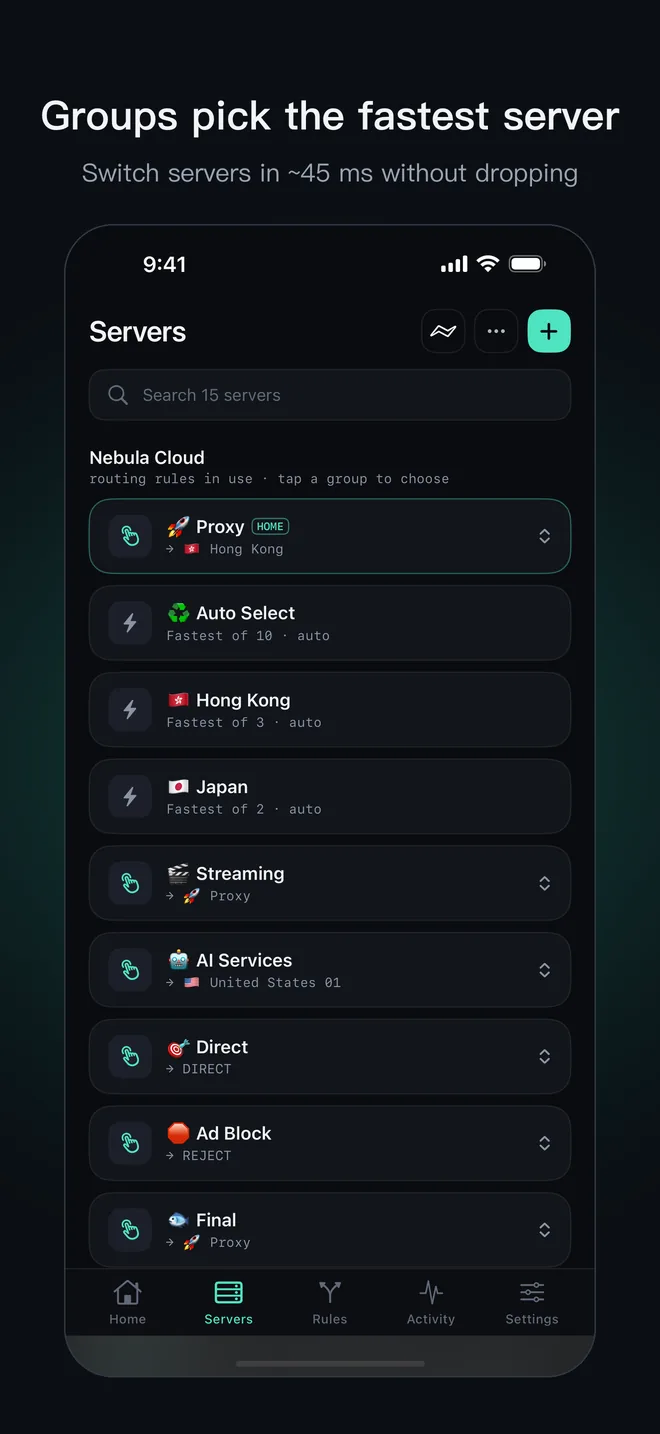
100,000 rules in about 10 MB; server switches in about 45 ms without dropping connections; reconnects after network changes.
See every connection
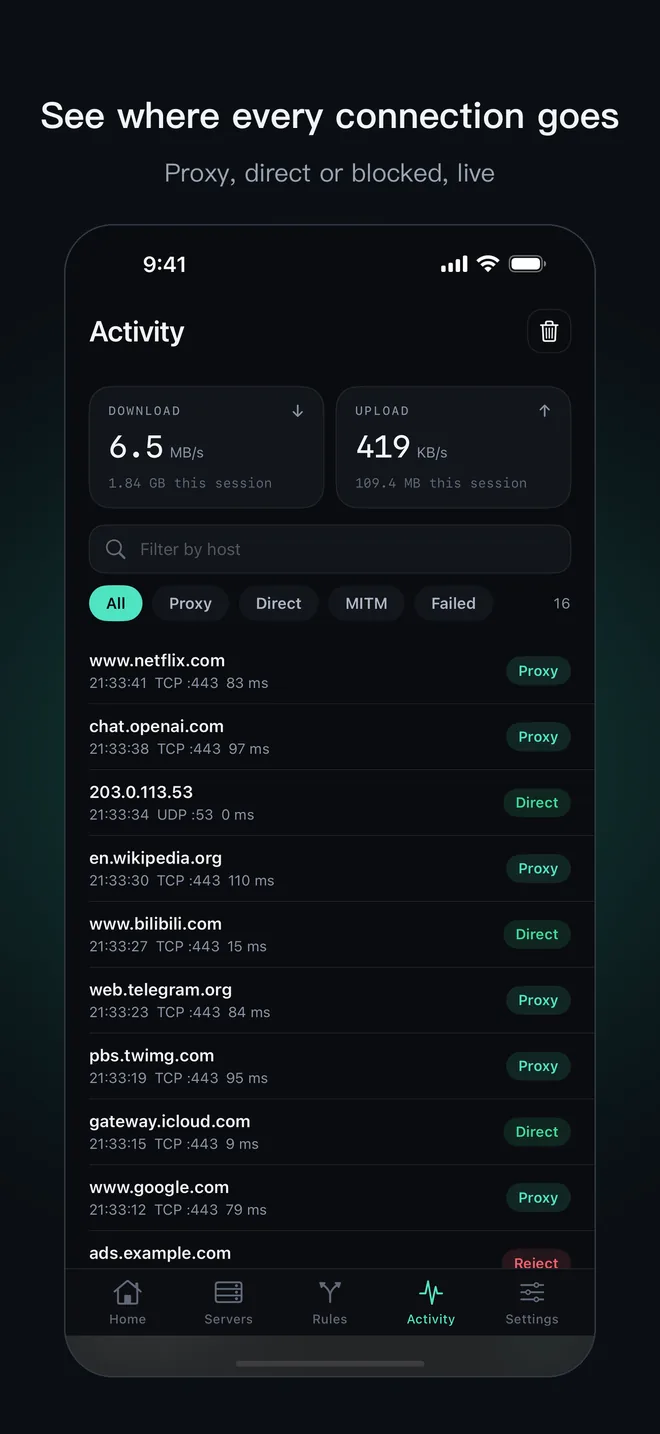
Activity shows each connection live: proxied, direct or blocked, and which ones failed. Diagnostics keeps the engine log.
No data collected
No ad SDKs, no tracking. Servers, rules and logs never leave your iPhone.
Download Koihop for iPhone
Free on the App Store. No ads, no in-app purchases, no account.
Download on the App StoreRequires iOS 16 or later. Widgets need iOS 17, the Control Center toggle iOS 18. Available in every App Store region except China mainland.

A closer look
Connection, speed, subscription data, groups and every request, in one dark, focused interface.
Start in three steps
No config files needed.
Get Koihop
Download it free from the App Store. No sign-up.
Add a subscription
Tap “Add subscription” and paste your link, or import a share link or QR code. Configs go in Settings → Import config.
Tap to connect
Pick a server or group and tap the power button. Switch between Rule, Global and Direct any time.
Common setups
Use a Clash subscription on iPhone
Add the subscription; when it carries rules, answer “Use this subscription’s routing rules?” with Use. Groups appear at the top of Servers: tap a manual group to change server, Auto Select picks the fastest.
Connect to VLESS Reality
Copy the vless:// link and use Servers → + → Import from Clipboard. Koihop reads the Reality public key, short ID, SNI and Vision flow for you.
Use Hysteria 2
Import the hysteria2:// link or subscription. Salamander obfuscation is supported. Hysteria 2 runs over UDP; if a network blocks UDP, use a TCP server.
More step-by-step guides (in Chinese): 使用指南.
Questions, answered
Is Koihop free?
Yes. No ads, no in-app purchases and no account. Policy groups, routing rules, HTTPS decryption, modules and scripts are all included.
Learn more →Does Koihop provide servers?
No. Koihop is a proxy client: add your own server, share links or a subscription from your provider and connect.
Learn more →Can I import a Clash subscription?
Yes. Servers, proxy groups, rules, proxy-providers and rule-providers from Clash / mihomo subscriptions are imported together and stay updated.
Learn more →Which protocols are supported?
VLESS (Reality, Vision), Hysteria 2, AnyTLS, Trojan, VMess, Shadowsocks (incl. 2022), SSR, WireGuard, SSH, SOCKS5 and HTTP / HTTPS.
Learn more →Can I see how much data my subscription has left?
Yes. When the provider reports it, Home and Servers show data used, data left and the expiry date for every subscription.
Learn more →Does Koihop collect my data?
No. There are no ad SDKs and no tracking. Your servers, rules and logs stay on your iPhone.
Learn more →What do I need to run it?
An iPhone with iOS 16 or later. Koihop is available in every App Store region except China mainland.
Learn more →Start free today
Import your subscription and connect in one tap. No ads, no data collected.
Download on the App Store